In the world of virtual football, the roar of the crowd and the thud of the ball are essential, but it's the voice guiding the action that truly brings a match to life. For EA Sports FC 25 players, immersive audio is a key part of the experience, and thankfully, the game offers a choice between two distinct commentary teams to suit different tastes. By default, the game randomly selects between the duo of Derek Rae and Stewart Robson or the pairing of Guy Mowbray and Sue Smith for each match. However, being stuck with a commentary style you don't enjoy can break the immersion faster than a missed penalty in stoppage time. 🥅⚽ The good news is that EA Sports FC 25 provides a straightforward, albeit slightly buried, option to take control of your auditory experience and lock in your preferred announcing team for every single game.
🎙️ Meet the Commentary Teams: Styles & Personalities
Before diving into the how, let's break down the who. Each duo brings a unique flavor to the broadcast booth.
-
The Classic Analysts: Derek Rae & Stewart Robson
This pair is known for a more traditional, detail-oriented approach. Derek Rae provides the polished, energetic play-by-play, while Stewart Robson offers sharp, tactical analysis from a former professional's perspective. Think of them as the reliable, insightful broadcast you'd expect on a major network.
-
The Dynamic Pair: Guy Mowbray & Sue Smith
This team blends Guy Mowbray's experienced commentary with Sue Smith's fresh insights as a former England international. They aim for a more conversational and engaging dynamic. However, community feedback from the 2026 season suggests that while Sue Smith's contributions are widely praised for their clarity and expert analysis, some fans feel Guy Mowbray's delivery in this year's installment hasn't quite hit the stellar heights of his past performances.
Knowing these styles is the first step in deciding which team you want calling your Ultimate Team triumphs or Career Mode dramas.
⚙️ Step-by-Step: How to Disable a Commentary Team
Don't want to leave your matchday atmosphere to chance? Taking control is simple. You just need to navigate to the right menu. Here’s the definitive, step-by-step guide to customizing your commentary in EA Sports FC 25.
-
Access the Main Customize Menu. From the game's title screen, look for the gear icon in the top left-hand corner. Click on it to open the 'Customize' hub.
-
Enter the Settings Menu. From the Customize menu, select the option labeled 'Settings'.
-
Open Game Settings. Inside Settings, navigate to the 'Game Settings' menu. This is where you'll find all the core gameplay and presentation options.
-
Find the Audio Settings. Once in Game Settings, you'll need to use your controller's shoulder buttons (L1/R1 or LB/RB) to tab over to the 'Audio' menu. It's not in the initial vertical list, so remember to scroll sideways!
-
Locate the Commentary Option. Within the Audio menu, scroll down until you see the header '11-A-SIDE AUDIO'. Under this header, you will find the crucial setting: 'Commentary Team'.
-
Make Your Choice. Select 'Commentary Team'. You will be presented with three options:
-
Derek Rae & Stewart Robson
-
Guy Mowbray & Sue Smith
-
Random (Default)
Simply highlight and select your preferred duo. The game will now use that team exclusively.
-
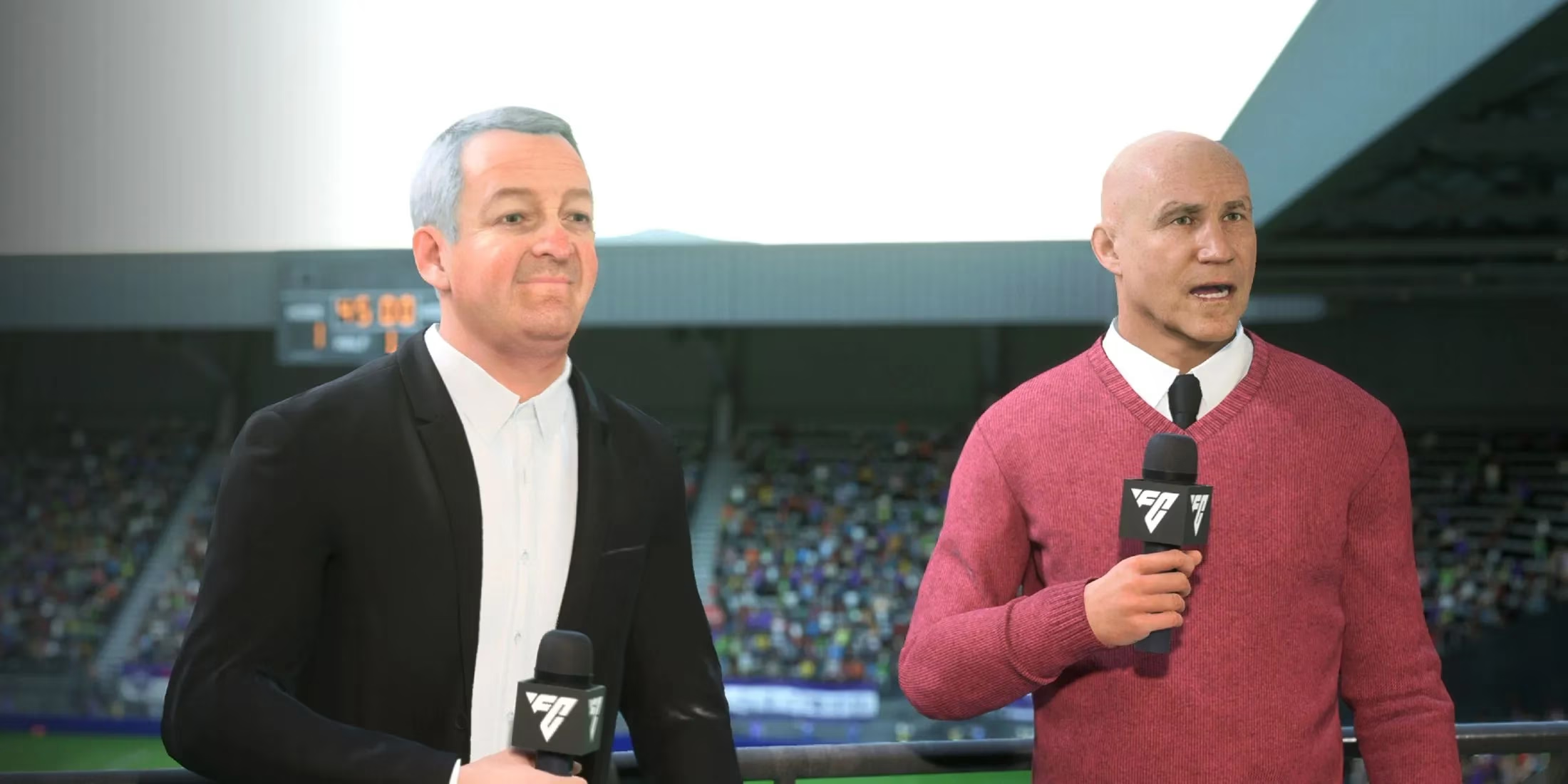
Navigating to the Audio menu is the key to customizing your commentary experience.

Players can easily switch between the two available commentary pairs.
🤔 Why Bother Customizing Your Commentary?
You might wonder why this feature is such a big deal. For a game played over hundreds of hours, audio fatigue is real. Here’s why players are glad for this control:
-
Personal Preference & Immersion: Some players have a strong affinity for a particular commentator's voice or style. A fan of women's football might specifically want Sue Smith's expert insights, while others might prefer the classic vibe of Rae and Robson. Locking in your favorite makes the game world feel more personal.
-
Avoiding Repetition & Quality Concerns: With only two teams, lines can become repetitive. If you find one commentator's phrases grating or, as some noted in 2026, feel one half of a duo isn't performing to their usual standard, the ability to disable them is a blessing. It’s about curating a consistently enjoyable experience.
-
It's Your Game, Your Rules: Ultimate Team, Career Mode, and Clubs are all about expressing your own football vision. Why shouldn't the broadcast match your taste? This level of customization empowers players to fine-tune every aspect of their matchday.
🏆 Final Whistle: Take Control of Your Matchday
EA Sports FC 25 continues to add layers of personalization, and the commentary selector is a perfect example of a small feature with a big impact. Whether you're a die-hard Sue Smith supporter, a devotee of Derek Rae's iconic calls, or simply someone who wants to ensure a consistent auditory backdrop for your football journey, the power is in your hands. No more crossing your fingers at the kick-off hoping for the right duo—set it once and enjoy the tailored soundtrack to your virtual footballing glory. Now get out there, configure those audio settings, and may your chosen commentators have plenty of epic moments to describe! 🎉
Pro Tip: While you're in the Audio menu, take a moment to adjust other sliders like 'Crowd Volume' and 'Stadium Atmosphere' to really perfect your in-game soundscape. A booming crowd mixed with your preferred commentary can elevate a standard match into a cinematic event.
Comments